Pay4SaaS
Quick Start
Get Supabase Database Configuration
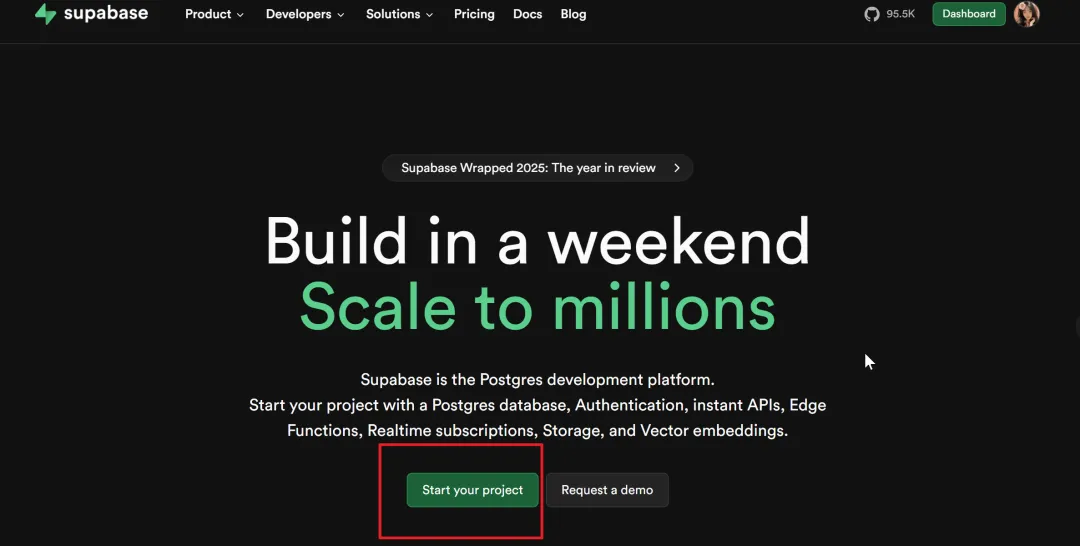
Open the URL: https://supabase.com/, click the Start button.
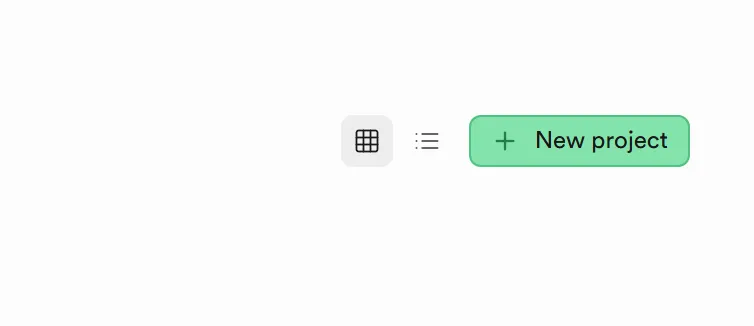
On the right side, create new.
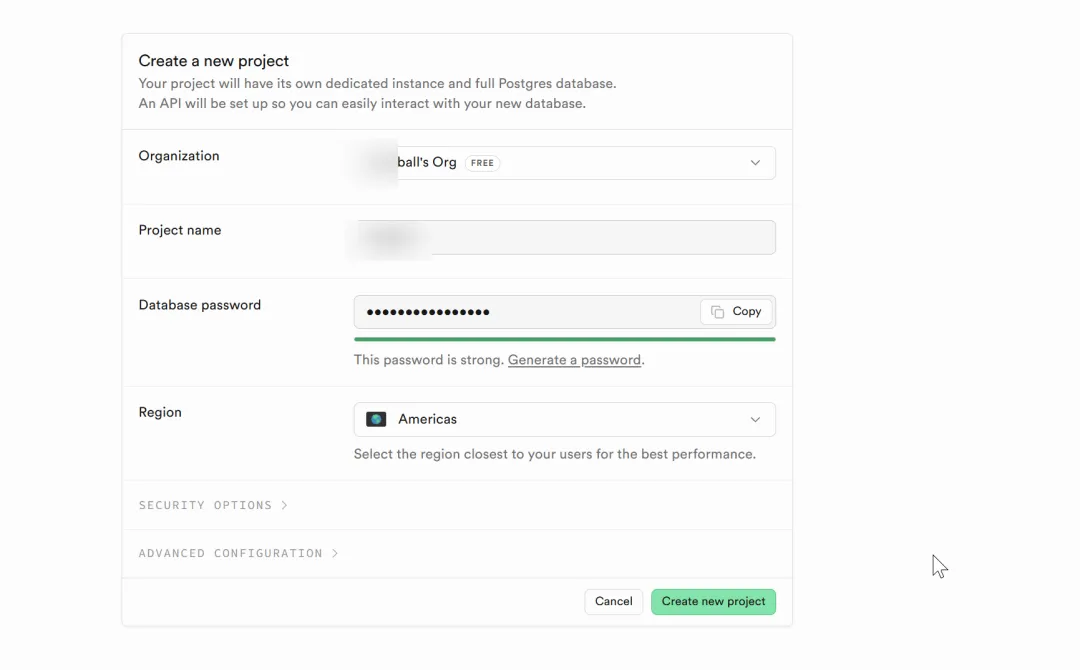
Fill in the project name and password. You can customize the password or generate one.
Then, there are 3 values that need to be configured in the environment variables.
One is the URL. After entering the project homepage, scroll down and you'll see the database URL. Copy it to your environment variables——NEXT_PUBLIC_SUPABASE_URL.
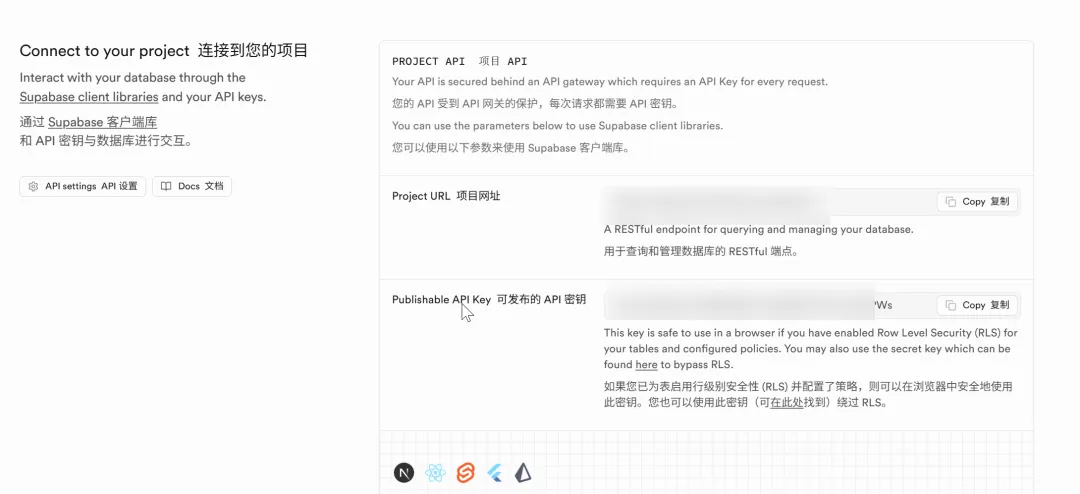
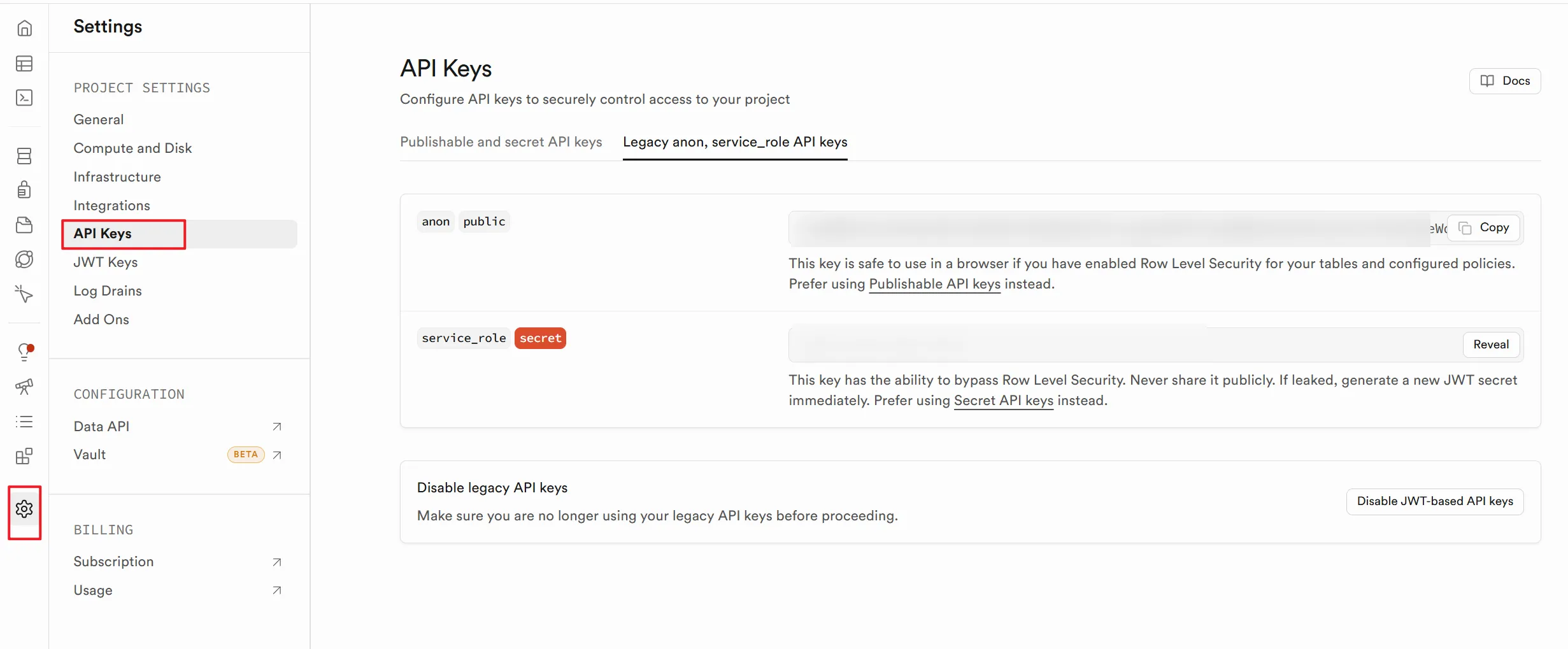
There are also 2 keys. Go to Project - Settings - API Keys, and write to environment variables one by one:NEXT_PUBLIC_SUPABASE_ANON_KEY、SUPABASE_SERVICE_ROLE_KEY.