Pay4SaaS
More
Re-skin Project
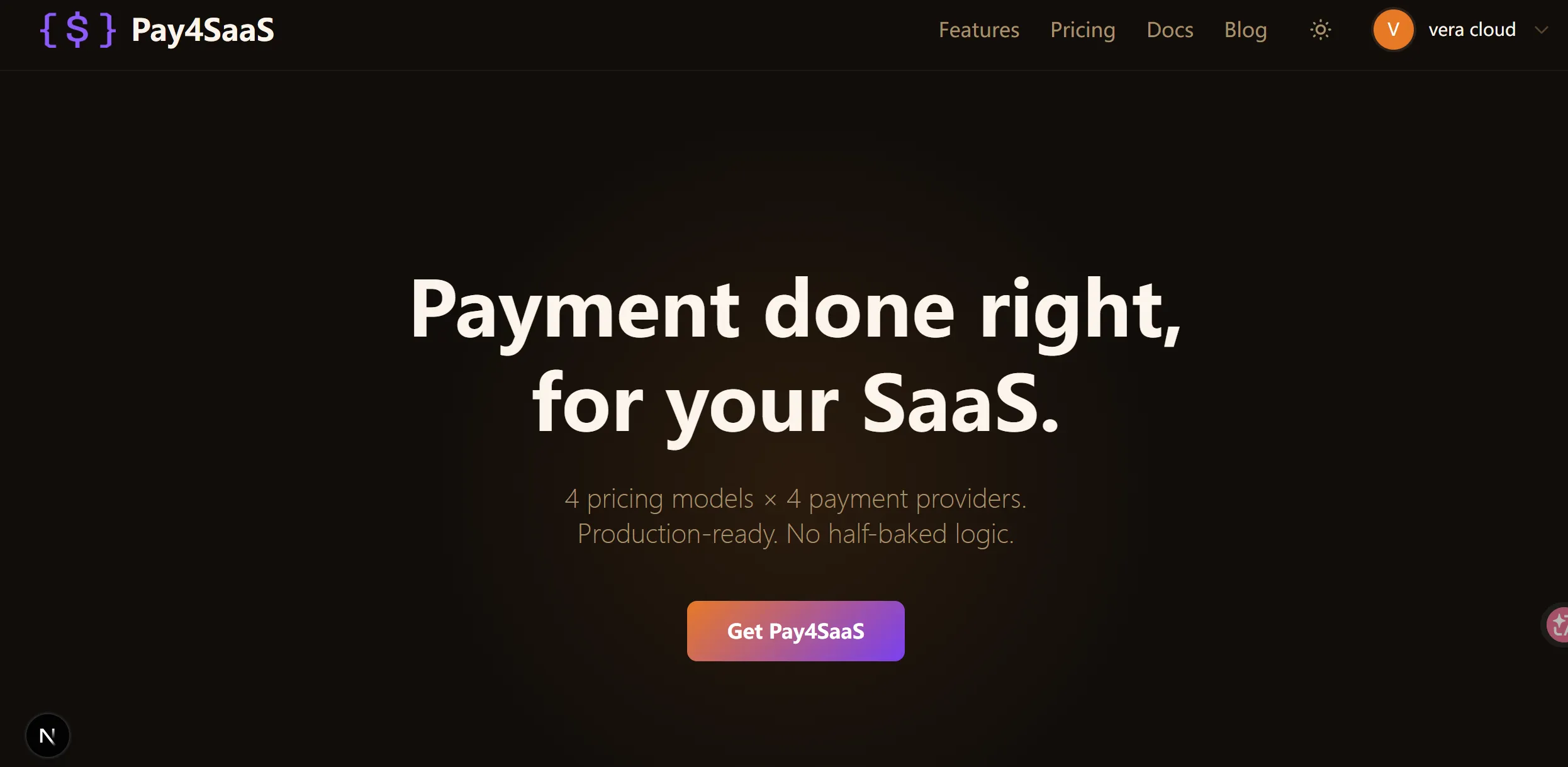
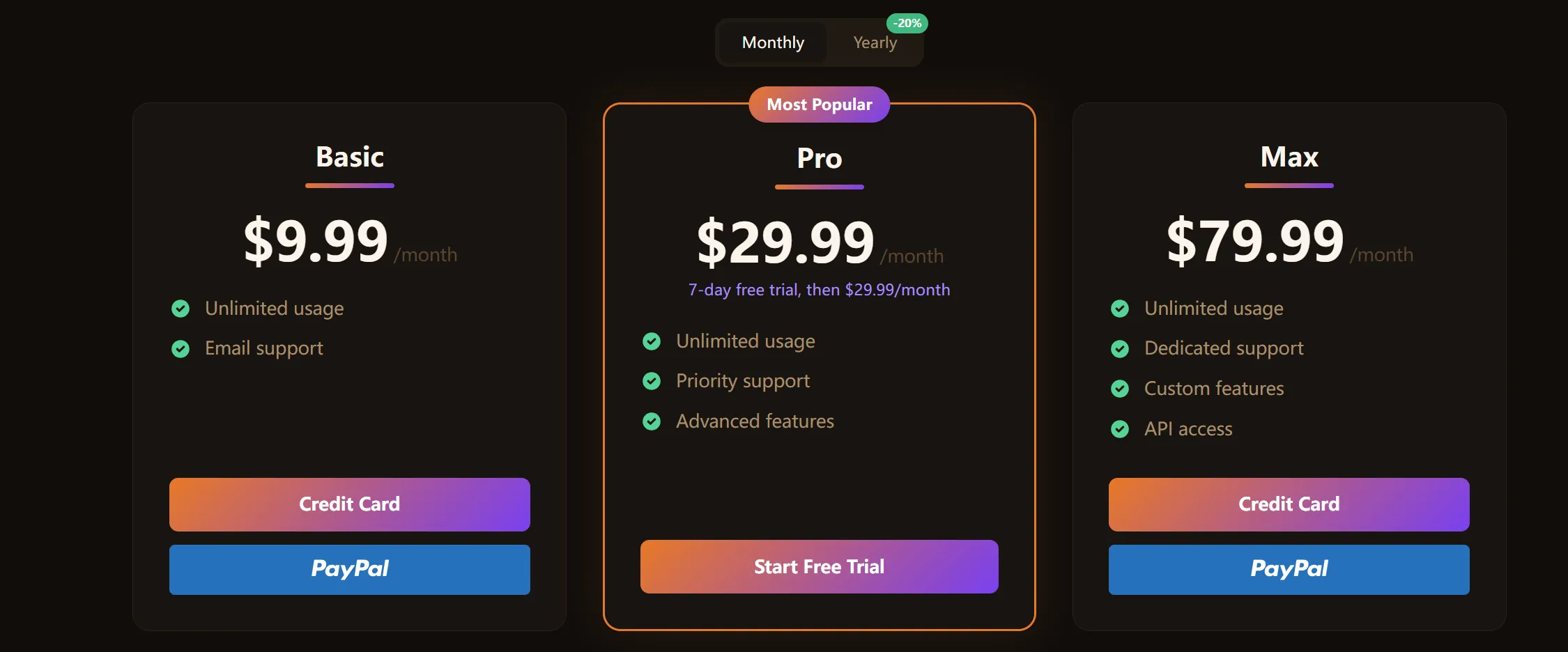
What you need to prepare: a reference image you like (or a few color values).
- It can be a screenshot of a website you like
- Or simply describe your preferred primary color (e.g. "I like a green tech vibe", "I want a warm orange feel")
That's all you need.
Then, send the code from your project's app/global.css file along with your reference image/color description and the prompt below to Claude.
I want to generate a new skin based on the global.css file above.

My style preference is: **[describe in one sentence, e.g.: dark green tech feel, warm orange minimalist, fresh blue business style...]**, or my preferred color is xx and my desired style is xx.

Requirements:

1. Keep the exact same CSS variable structure as the original file — only replace the color values
2. Must include dark mode (default) and light mode (`.light`)
3. The `--primary` color series should be generated based on my style preference, with separate sets for dark and light mode
4. Background, border, and text colors should coordinate with the primary color
5. Output the complete `global.css` file directly
With your original file + the prompt (+ optional reference image), Claude can generate the new skin directly. Then just drop the generated file into global.css.
Open your site and you'll find it's exactly the color you wanted.