 Pay4SaaS
Implementing OAuth Login with Supabase + GitHub
1. Configure in Supabase
Go to the project https://supabase.com/dashboard/ and find this.
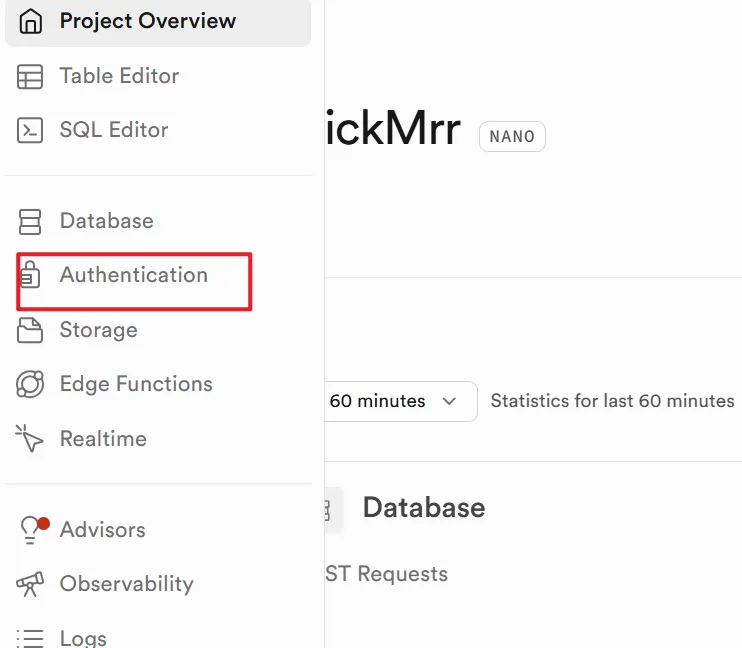
This one.
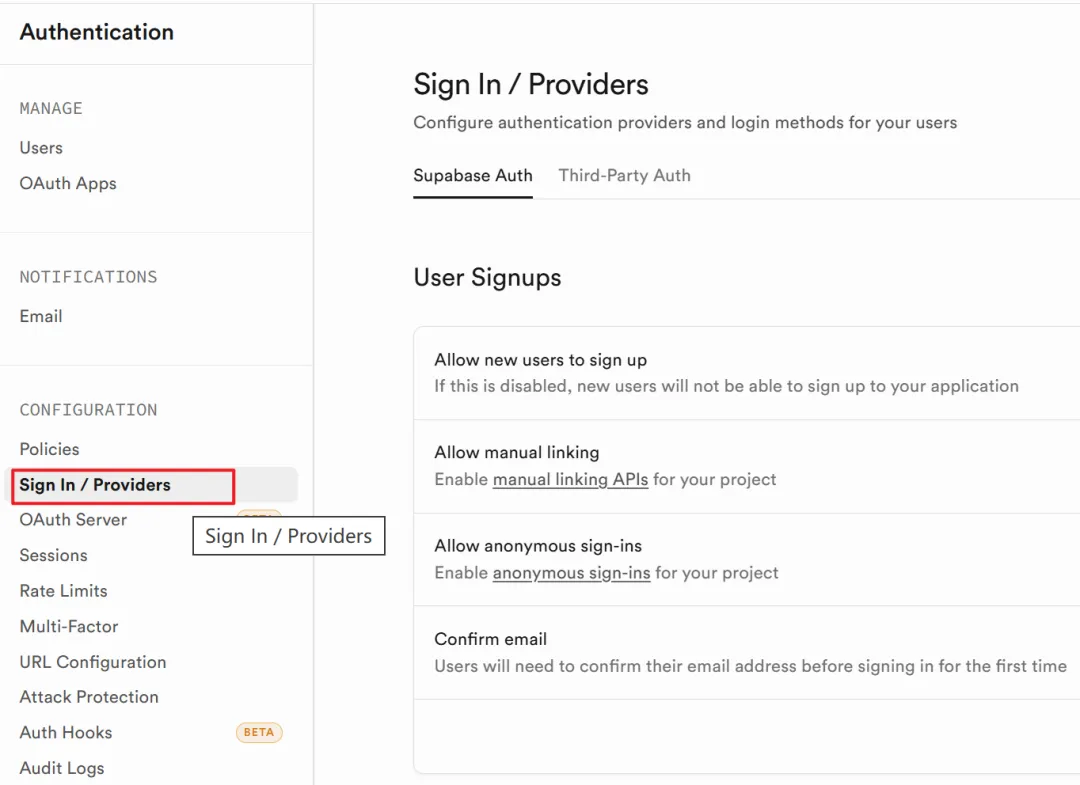
Find it.
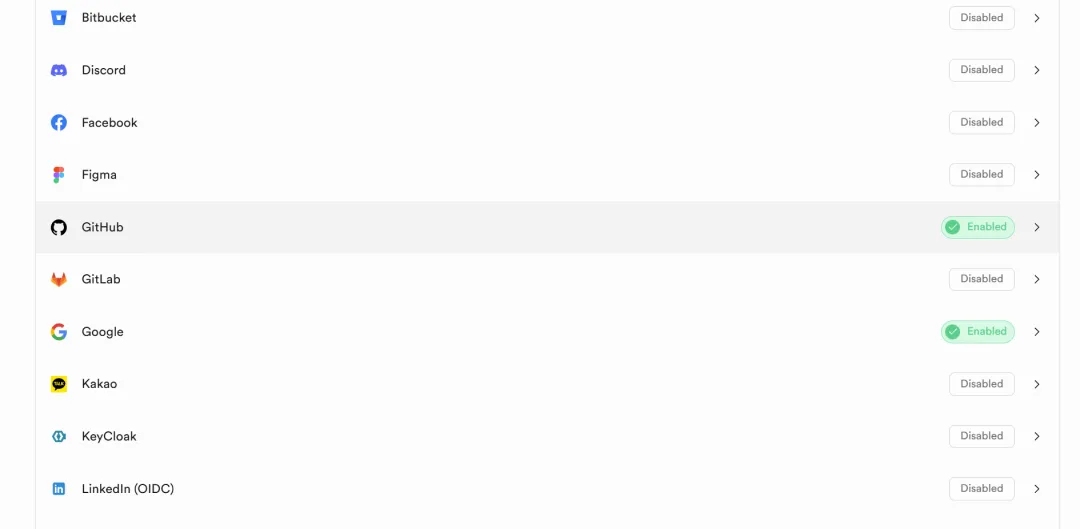
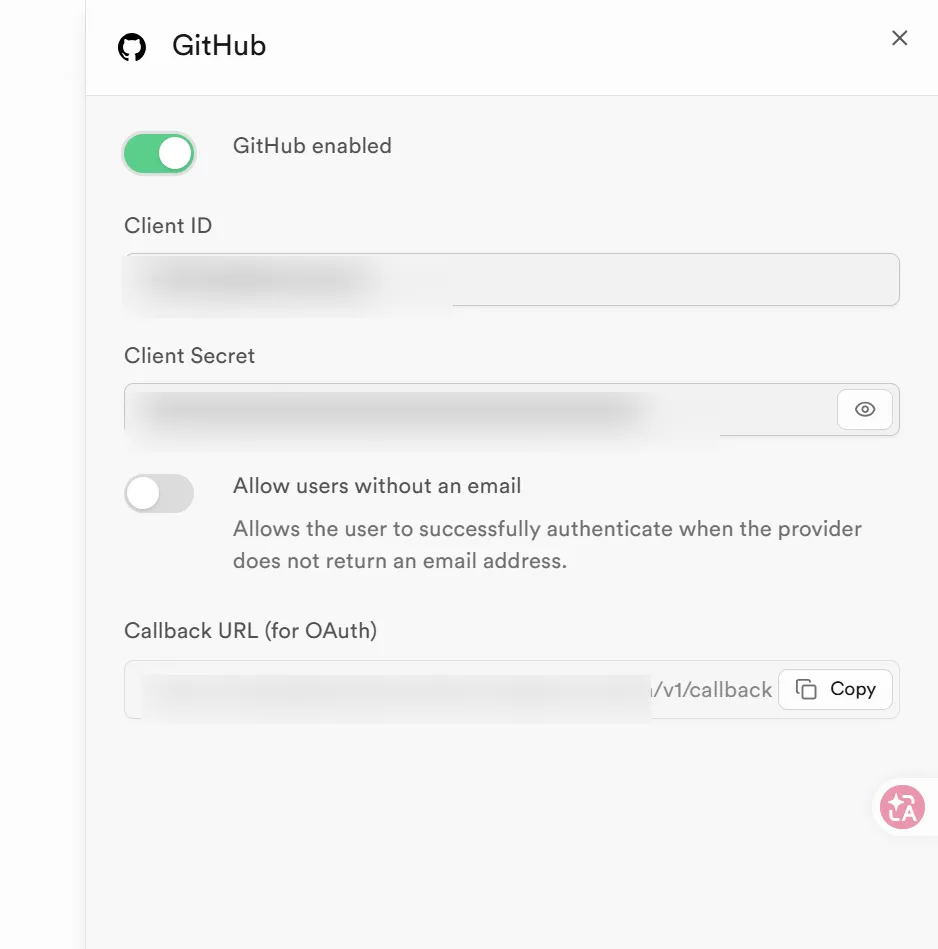
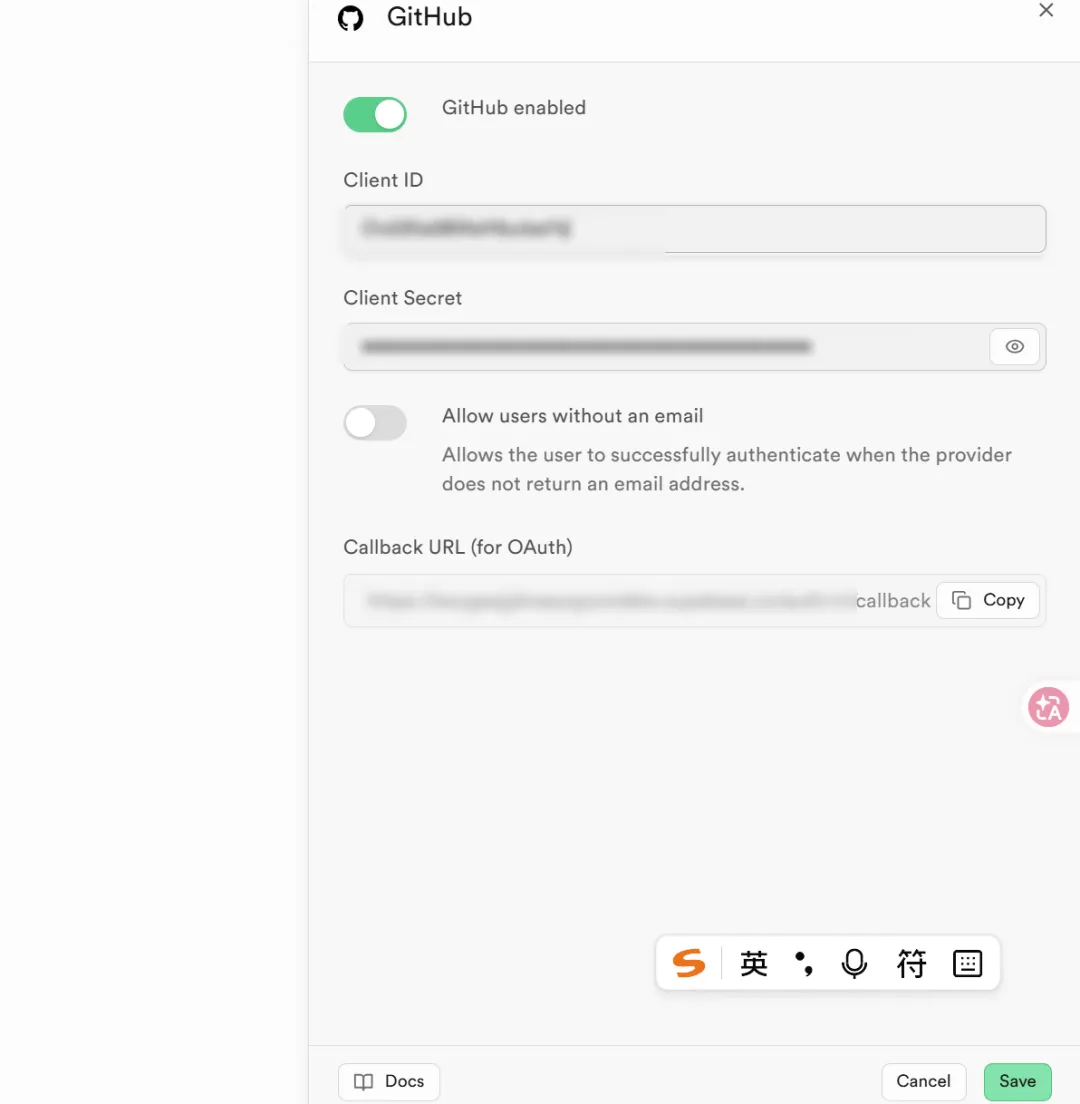
Enable, save, and copy the Callback URL.
2. Configure in GitHub
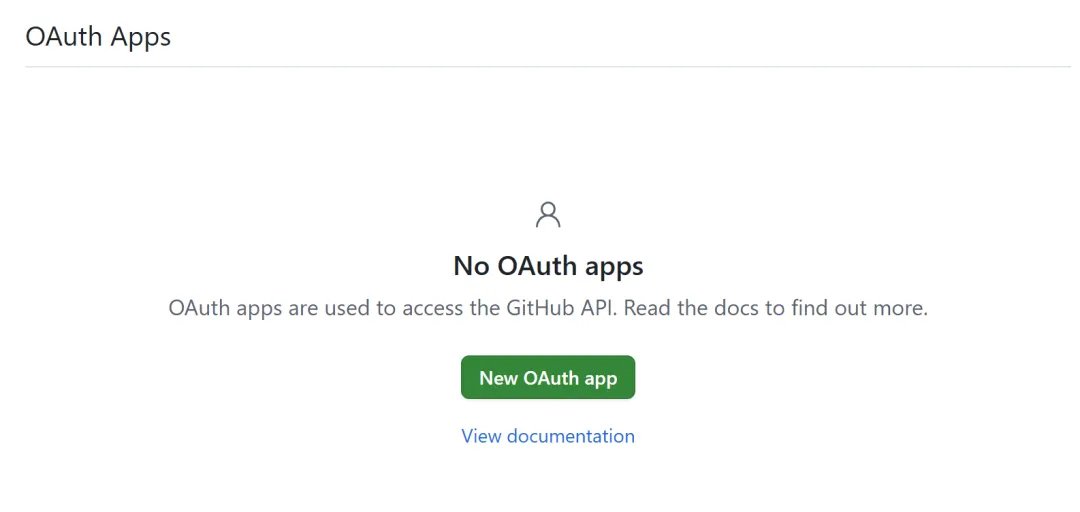
Open the link https://github.com/settings/developers
Create new.
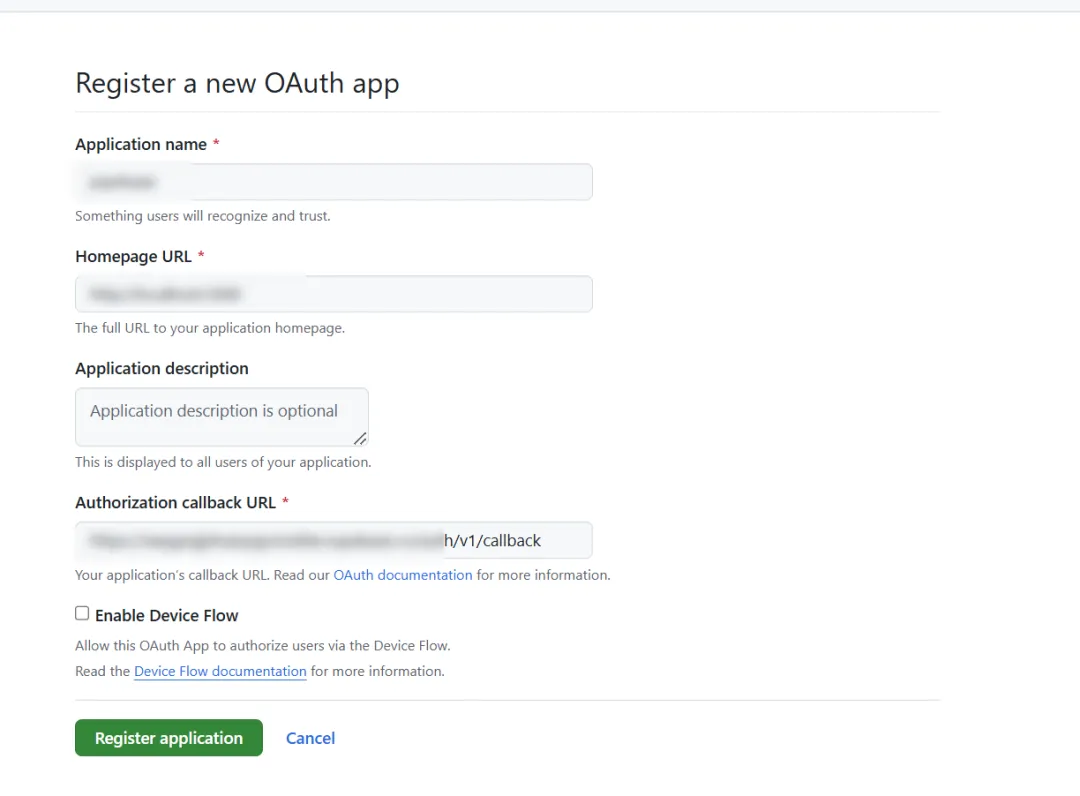
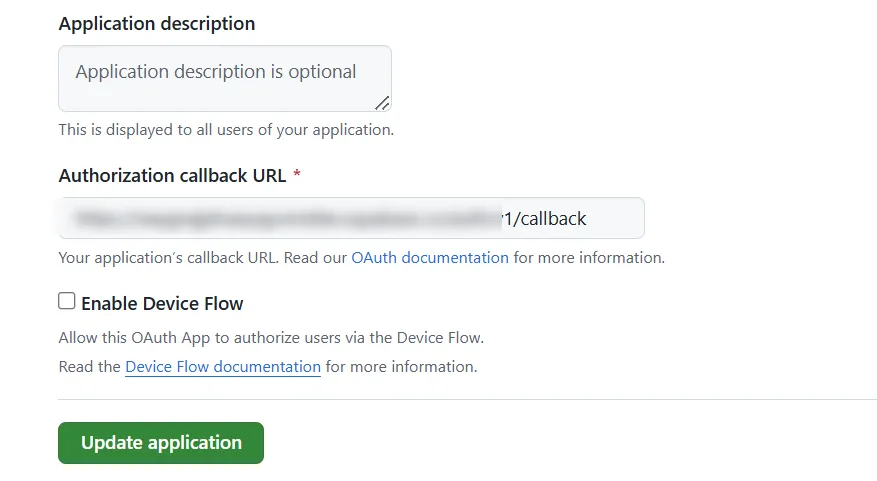
Fill in the application name; for the URL, just use the development environment URL, the redirect is not related to it and is controlled in the code; for Callback URL, use the one you just saw in Supabase.
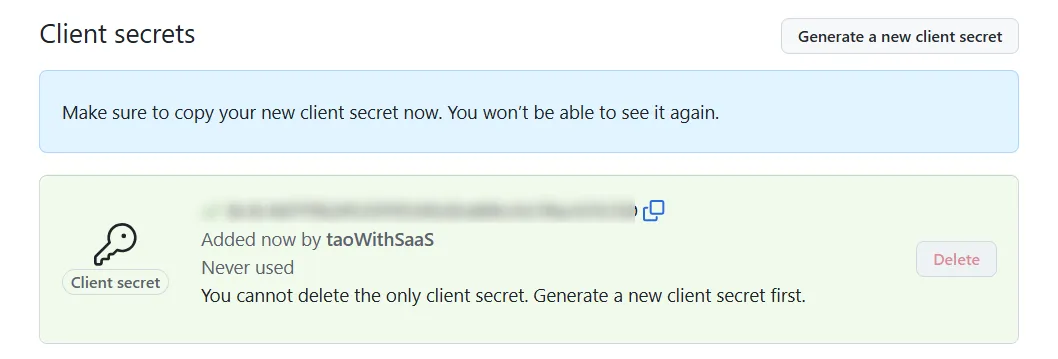
Generate secret and verify email.
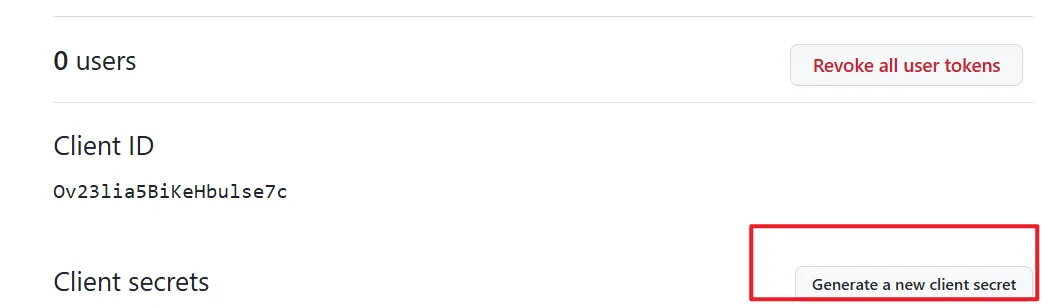
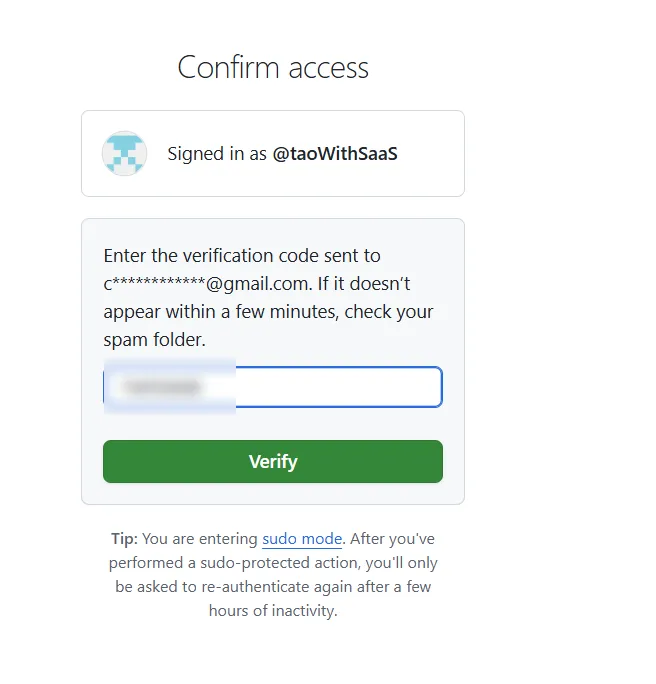
Copy the secret promptly, as the prompt above says it's only shown once, otherwise you'll have to do it all over again.
Also copy the ID, you'll need it later.
Click update.
Go back to the GitHub configuration page in Supabase and enter the Client ID and Secret.
Configuration complete, effect as shown.
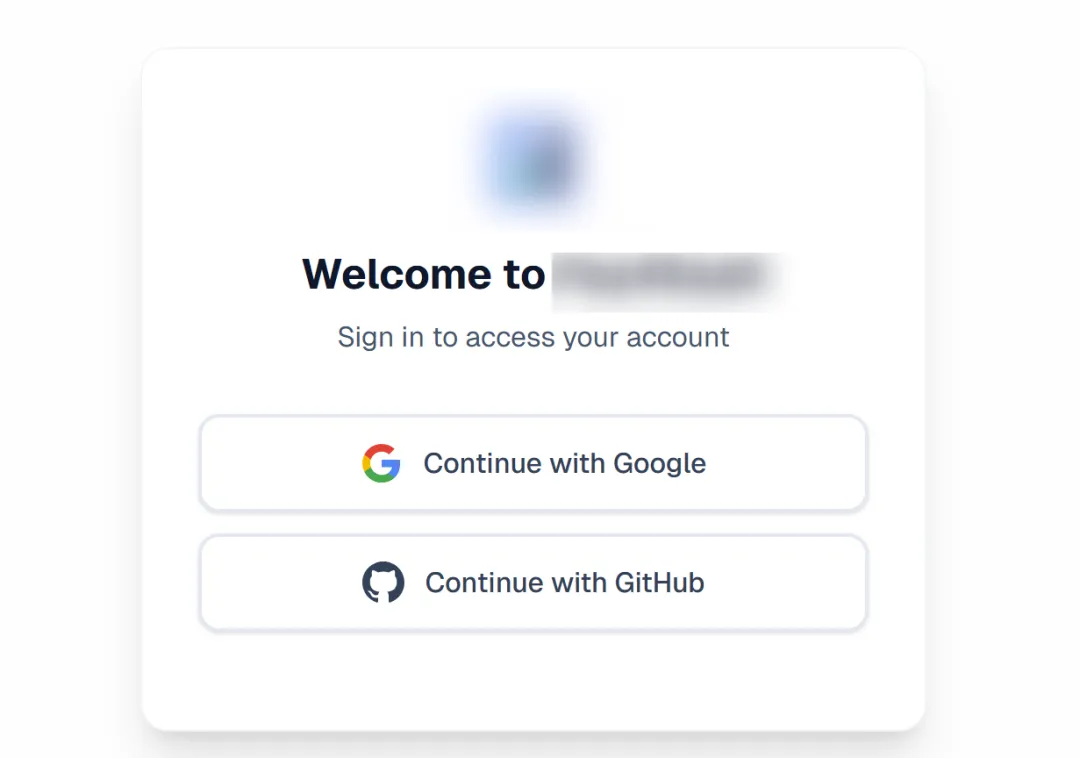
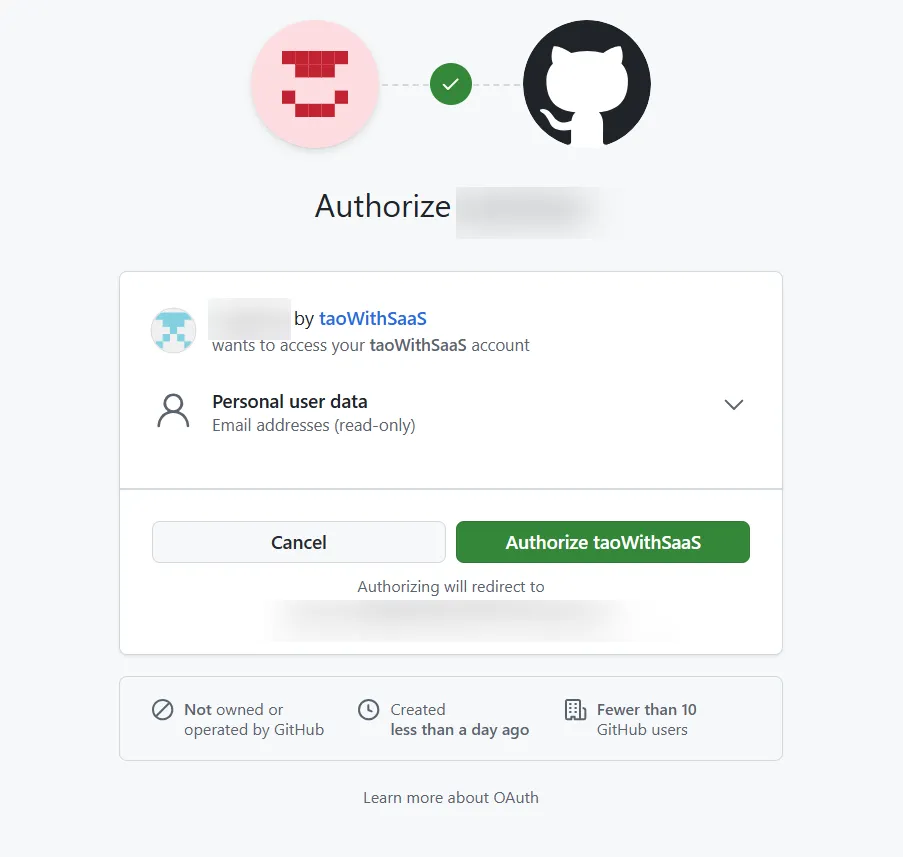
After clicking, authorize, and then successfully redirect to the homepage.